Roles, security & admin

The right access for every manager.

Give HR, payroll and department heads exactly the menus they need. Manage several branches, or several companies, from one account, with settings only admins can touch.

Included from Basic · more roles and workspaces on higher plans

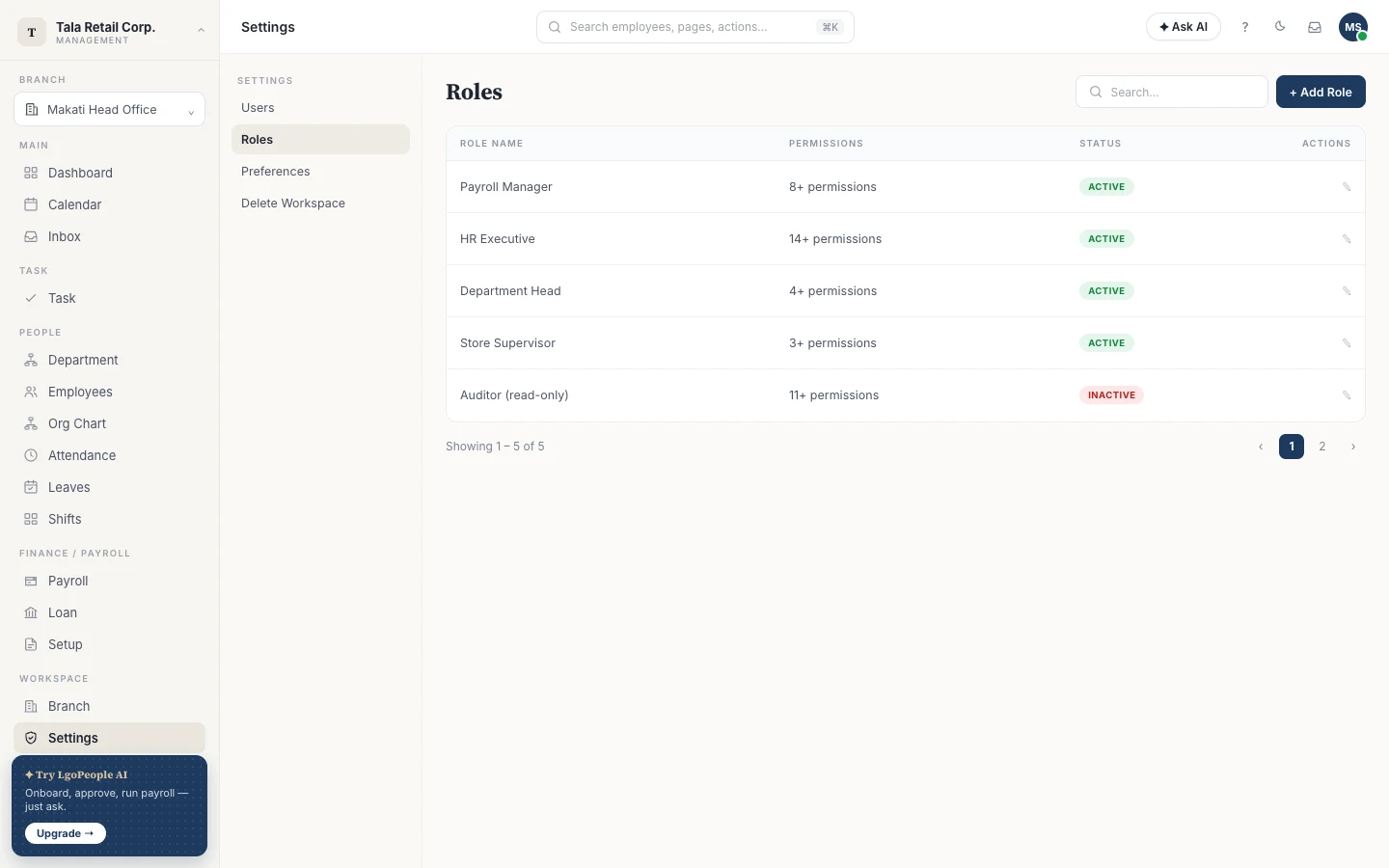
Roles table listing Payroll Manager, HR Executive, Department Head and Auditor

Highlights

Granular roles

View, create and update permissions for every module.

Admin-only settings

Only admins can open Settings, invite managers or delete a workspace.

Branches

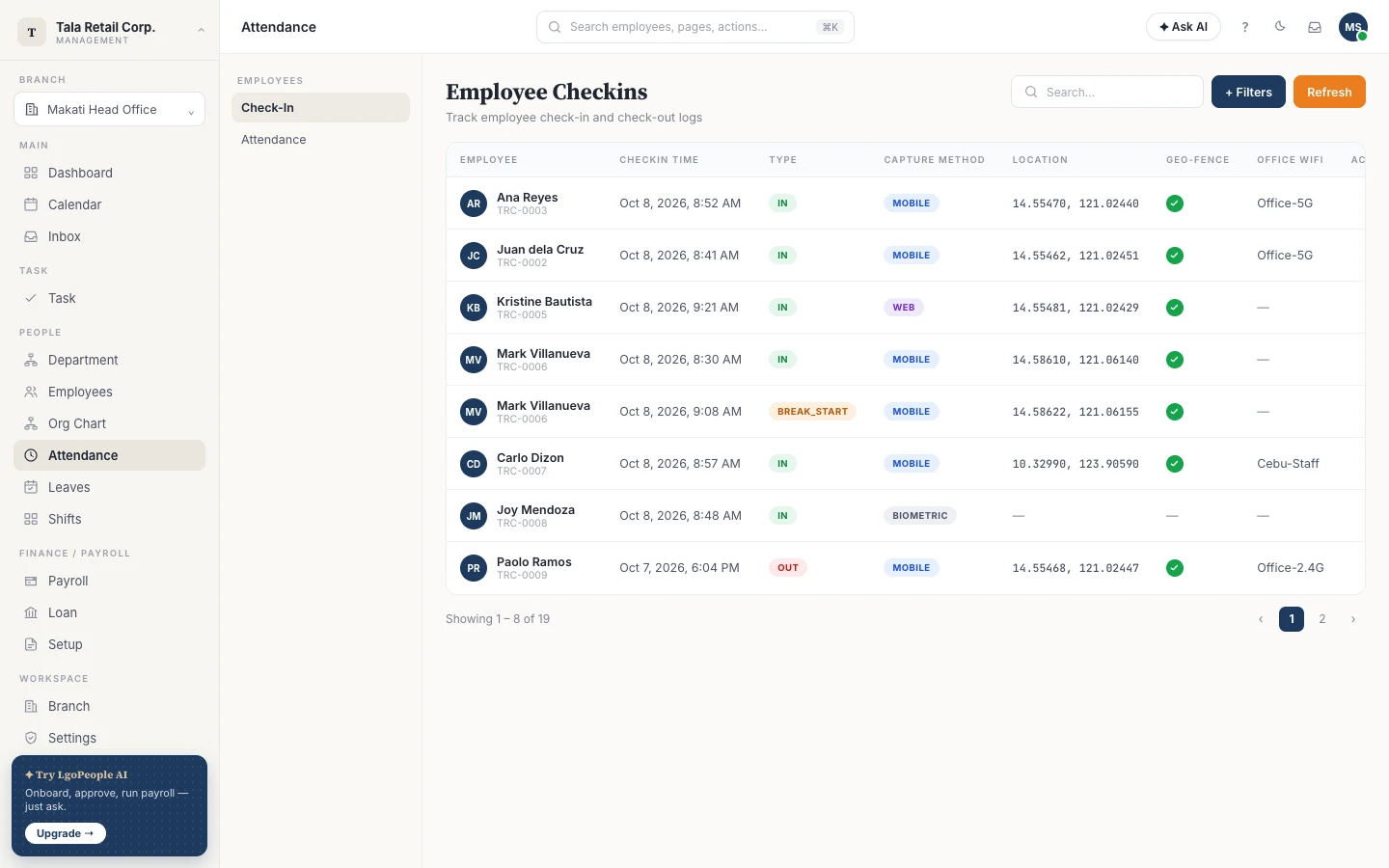
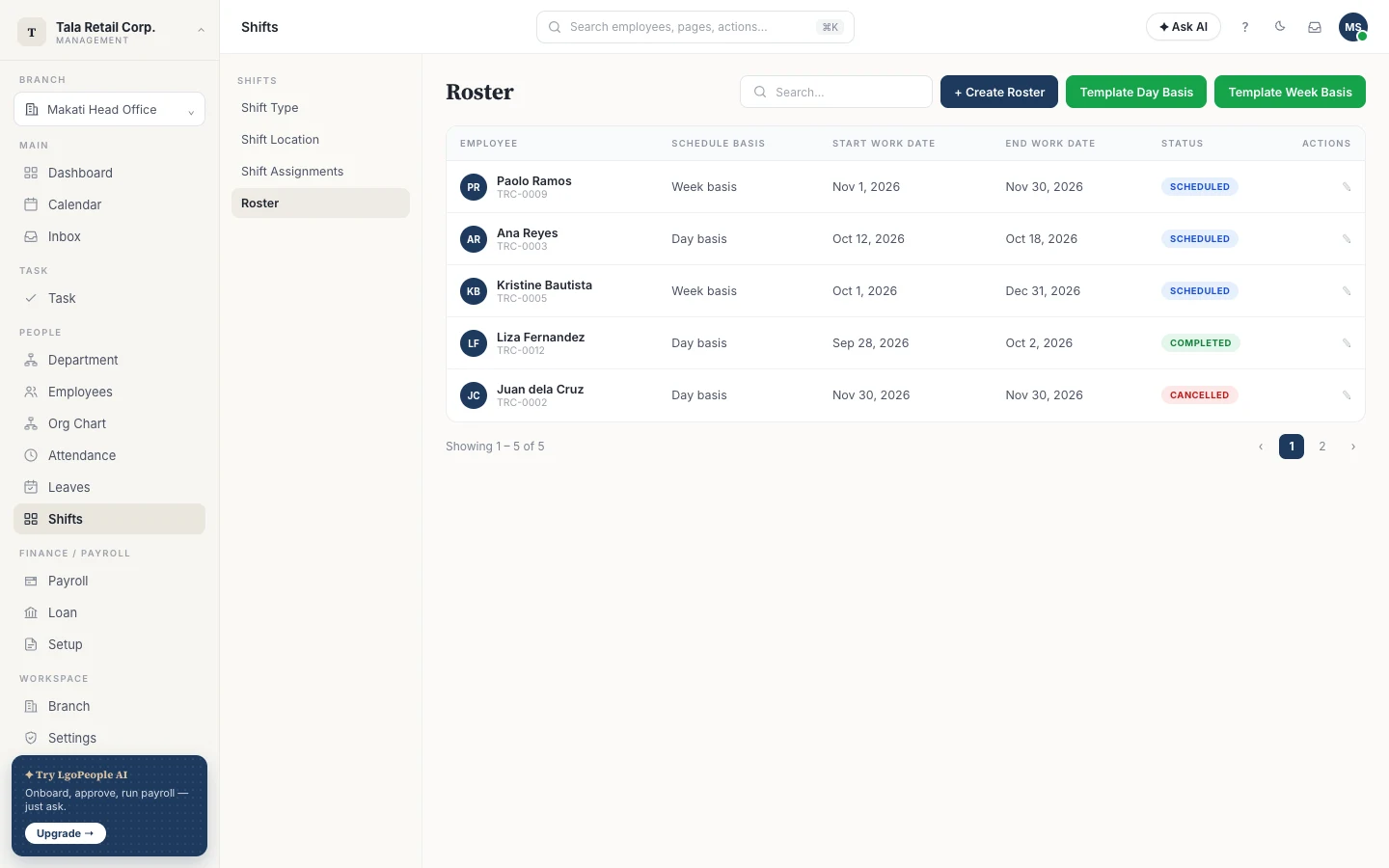
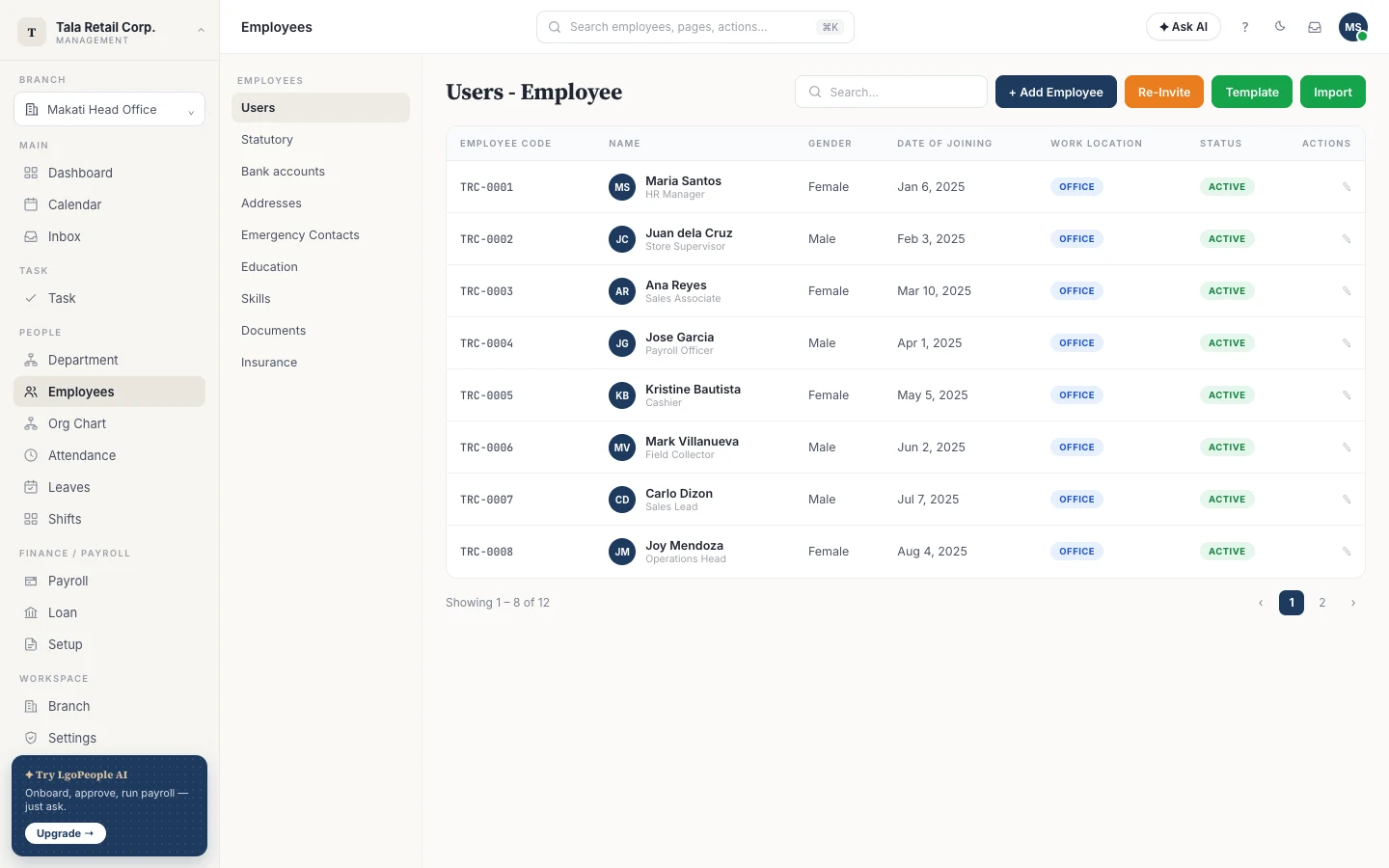
A branch switcher scopes employees, attendance and payroll to one site.

Multiple workspaces

Run more than one company from one account, and switch in a click.

Search everything

Ctrl + K to jump to any page, employee, notification or action.

Nothing lost

Records go inactive instead of being deleted, so history and reports stay whole.

01

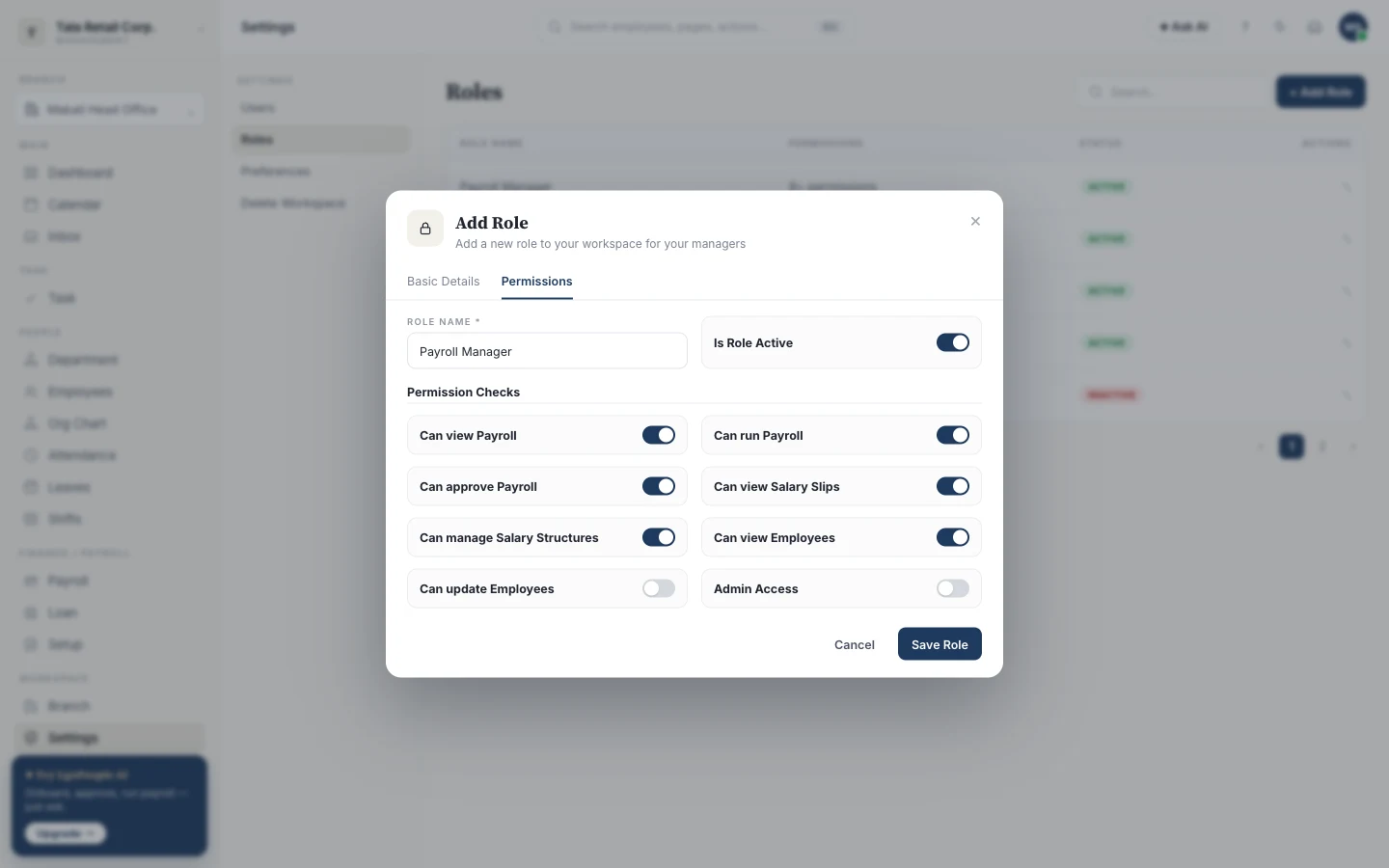
Roles that match your org

A role is a named set of permissions. Menus a user can't use are hidden, and opening their address directly is blocked.

  • Payroll can run payroll without editing employees
  • Separate permissions to run and to approve payroll
  • An auditor role that can only view
Add role dialog with role name and active switch

02

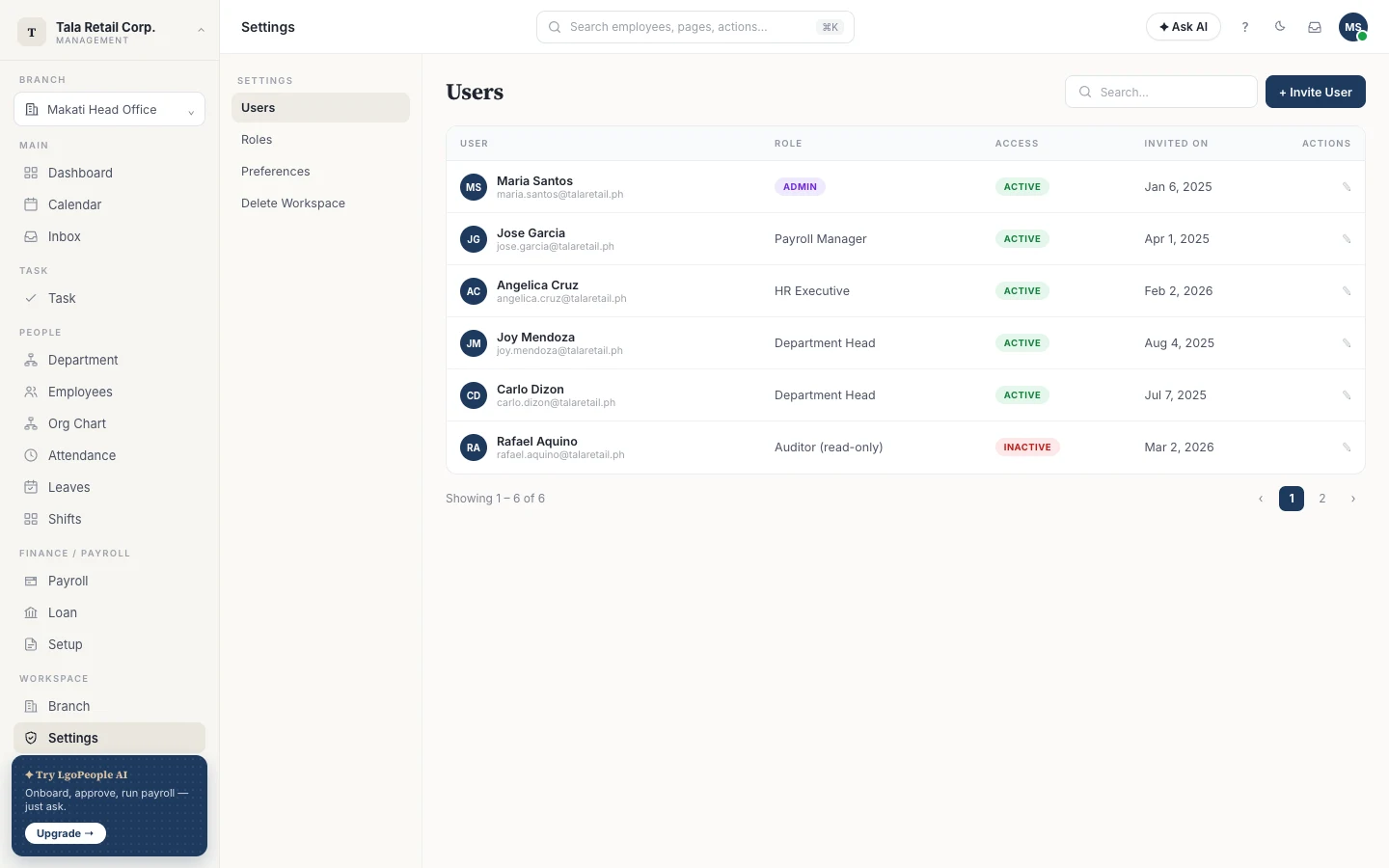
Invite managers, not chaos

Invite management users by email and give each one a role. Employees are invited automatically when you add them.

  • Invite several people at once, separated by commas
  • Set access to inactive to remove someone
Workspace users table with roles and access status

03

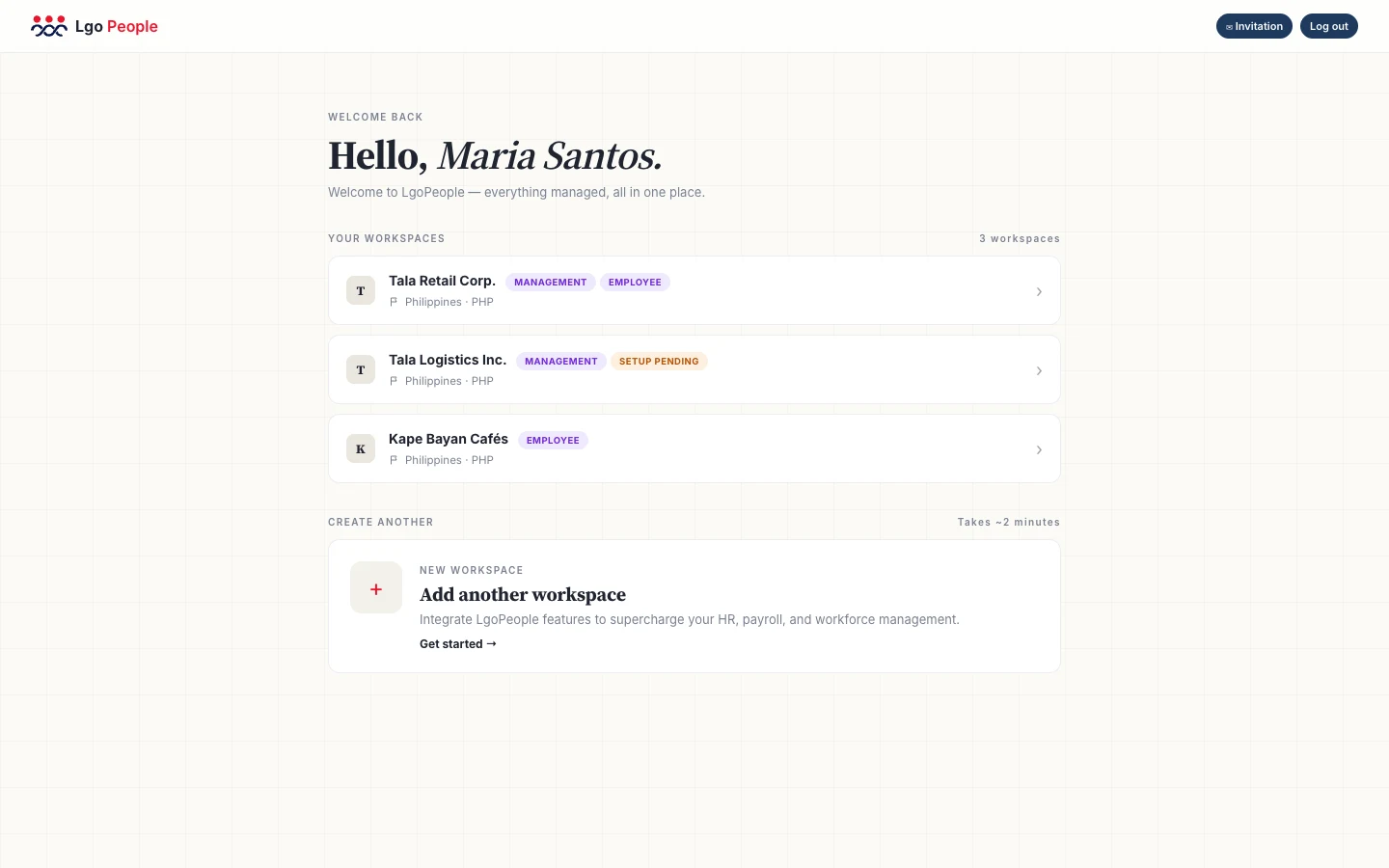
One account, several companies

Each company is a workspace with its own branches, people and payroll. People who are both managers and employees choose a console when they open a workspace.

  • The country of a workspace sets currency, time zone and statutory rules
  • A setup wizard walks admins through the essentials
Workspace list showing three companies with their access types

04

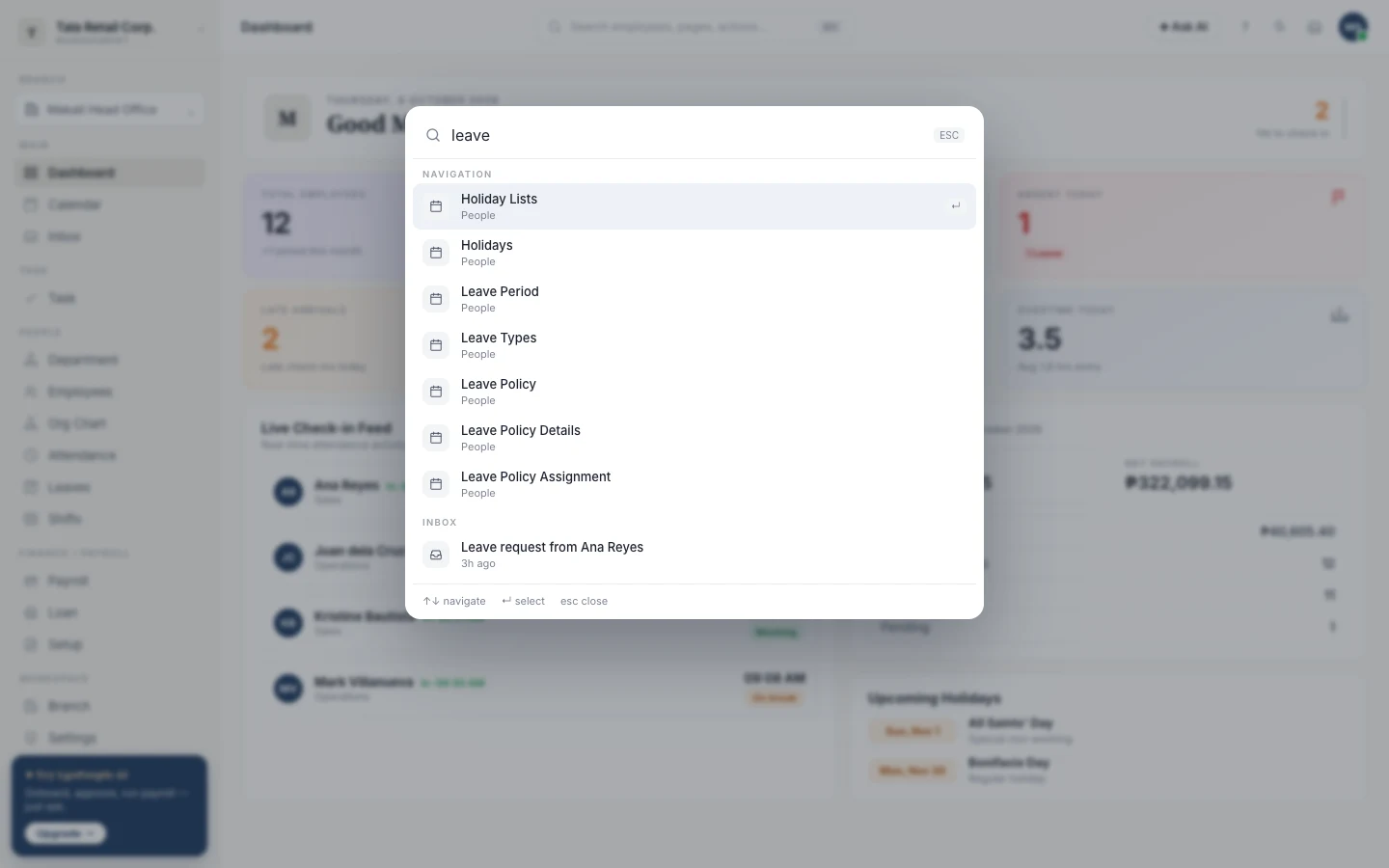
Find anything with Ctrl + K

Search pages, employees, inbox messages and actions from anywhere in the console, and use the arrow keys to get there.

  • Results grouped into navigation, employees, inbox and actions
  • Light and dark themes, remembered per user
Global search results for the word leave

Starting points

Four roles most teams start with.

HR Executive

Departments, employees, attendance, leaves and shifts (view, create, update) and the calendar

Payroll Manager

Payroll view, run and approve; salary slips and structures; cost centers; finance setup; employees view

Department Head

Employees, attendance and leaves (view), and the calendar

Auditor

Every view permission, and nothing else

FAQ

Good questions.

Free plan

Up to 5 users? It's free.

Start on the Free plan with up to 5 users. When your team grows, paid plans start at ₱39 per employee per month, with no demo wall or setup fee.

Talk to a human: kim@lgoconnects.com