
How it works
Up and running this week, not next quarter.
No consultants and no setup fee. Follow these steps once, in this order, and your team can clock in tomorrow. Each step links to its full guide.
Setup steps for admins
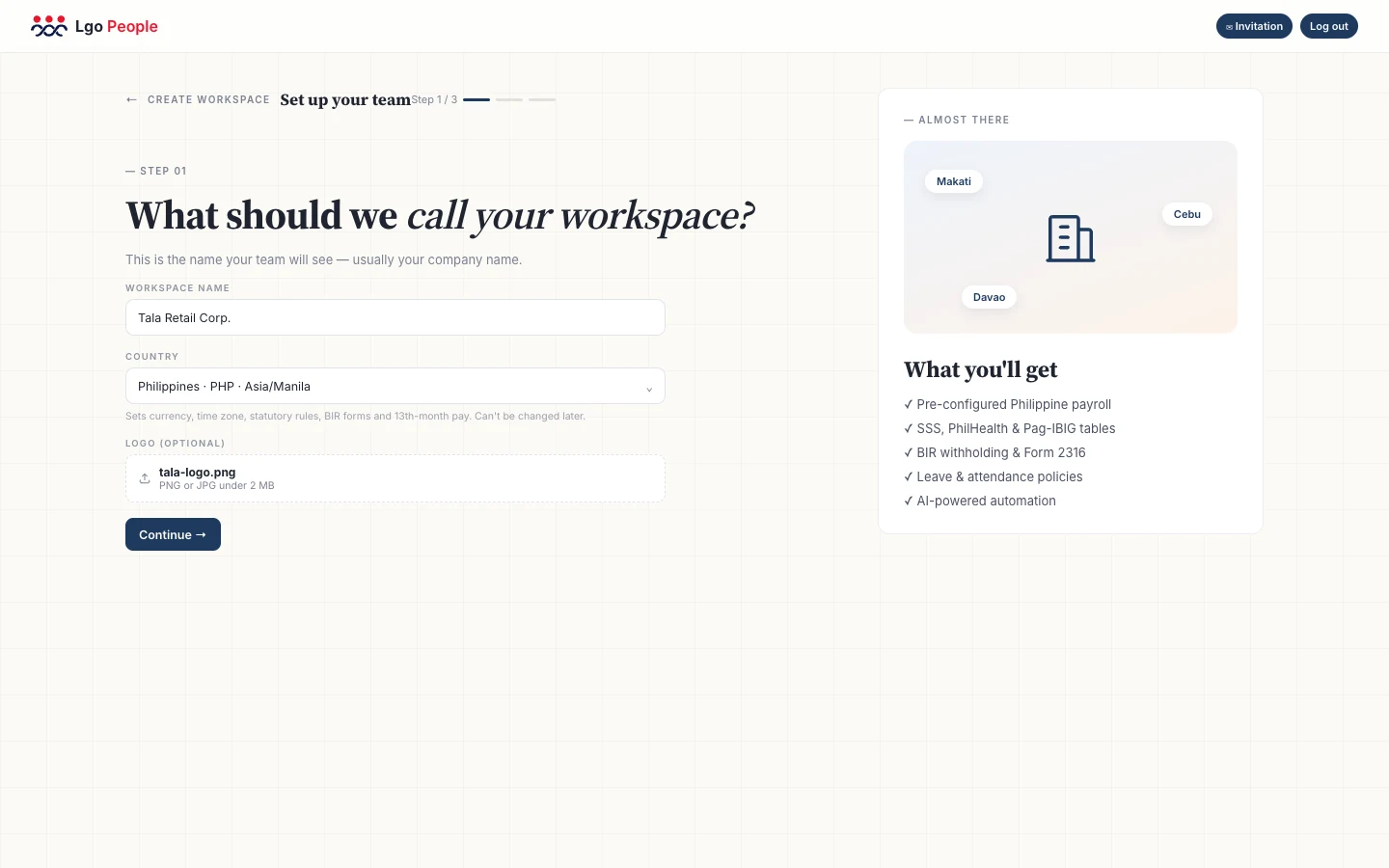
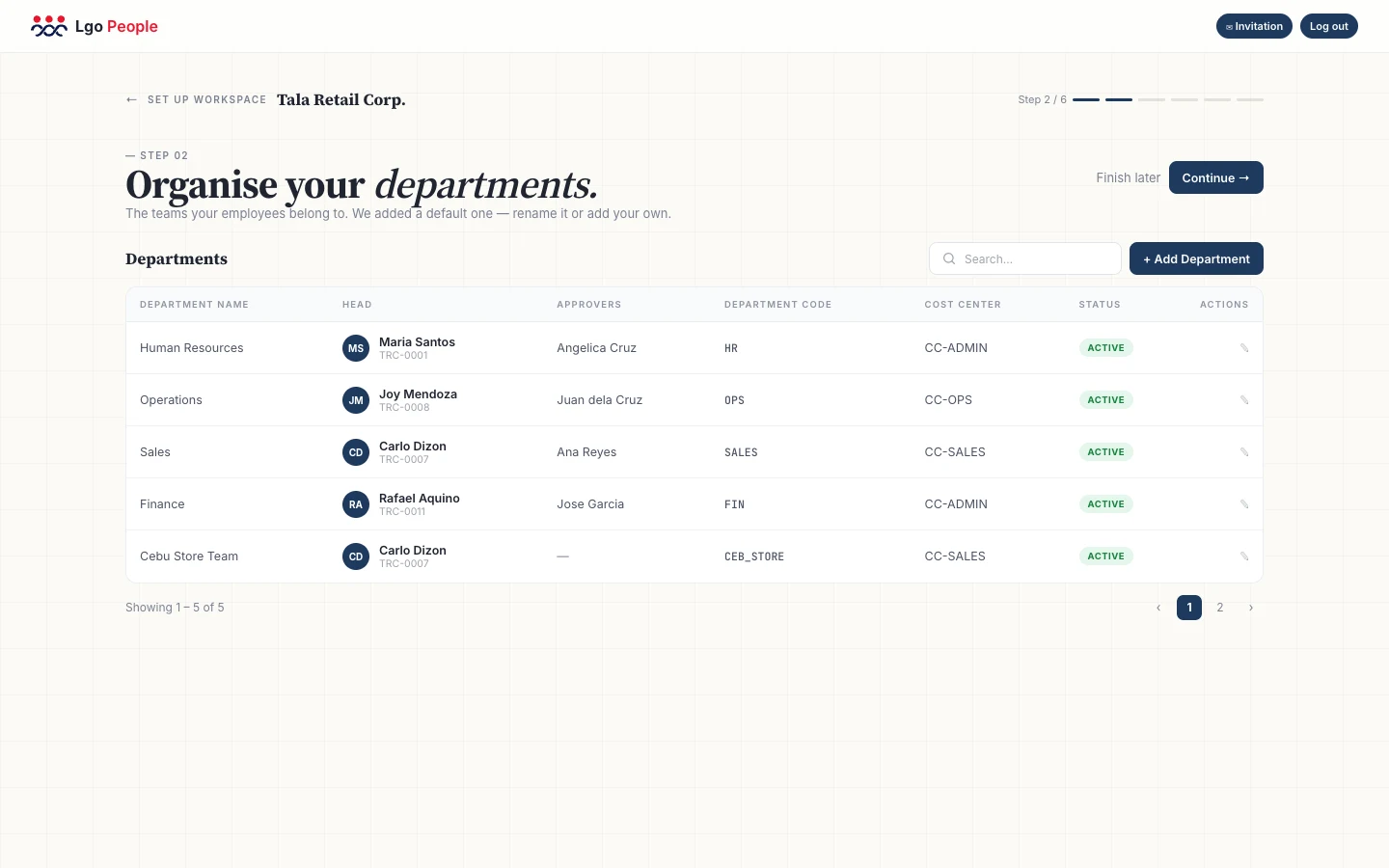
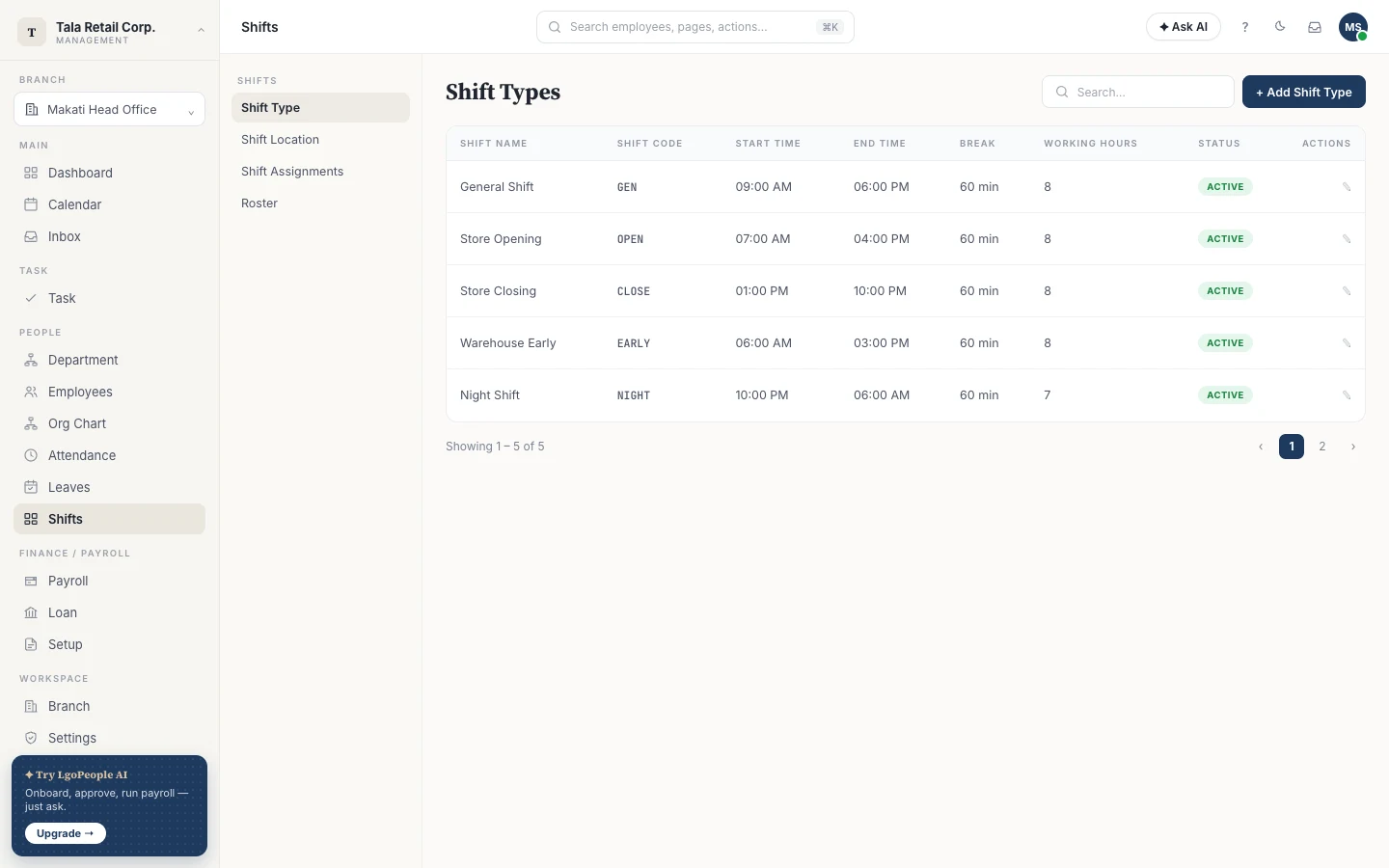
Not a blank page
Your workspace is ready on day one.
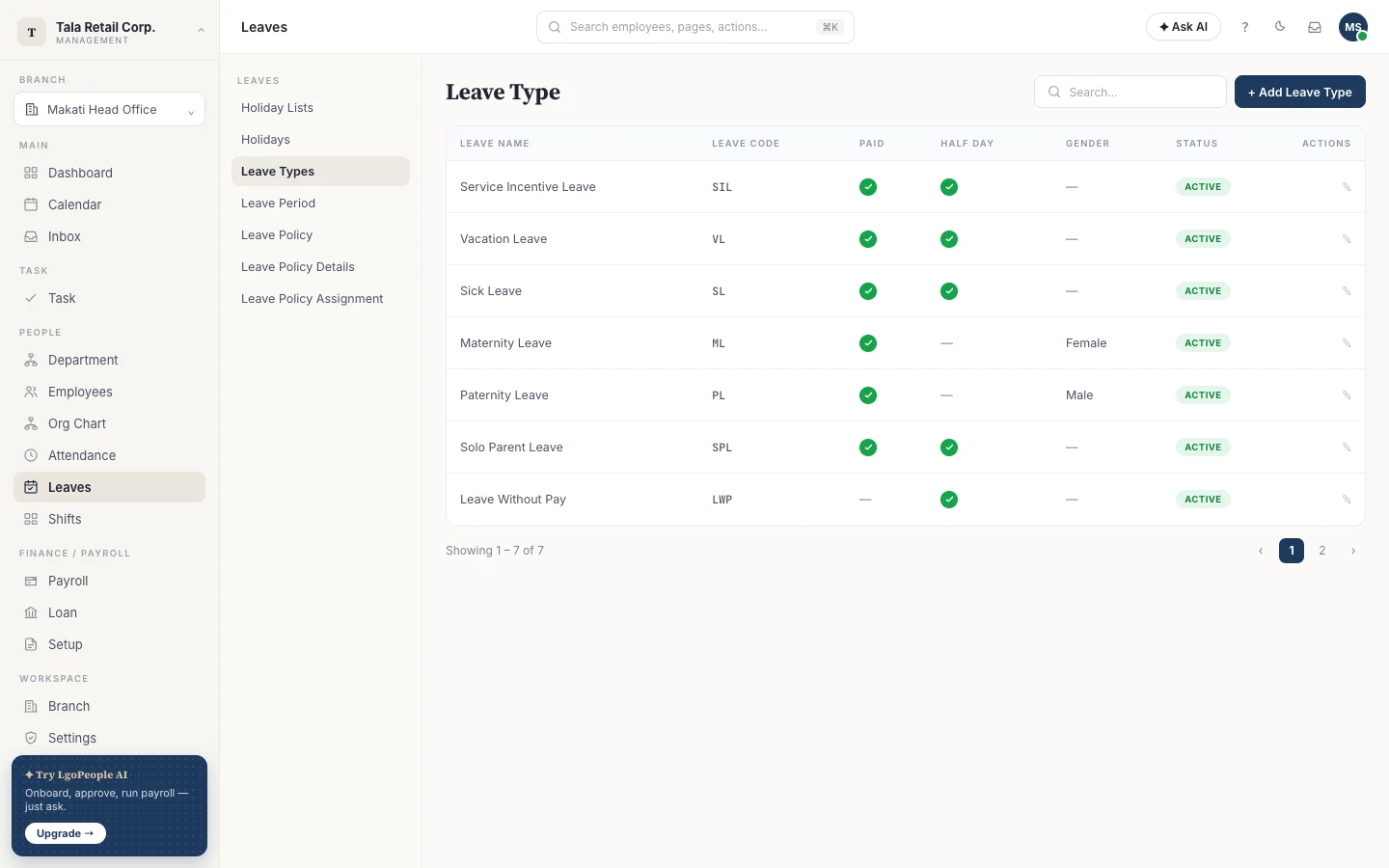
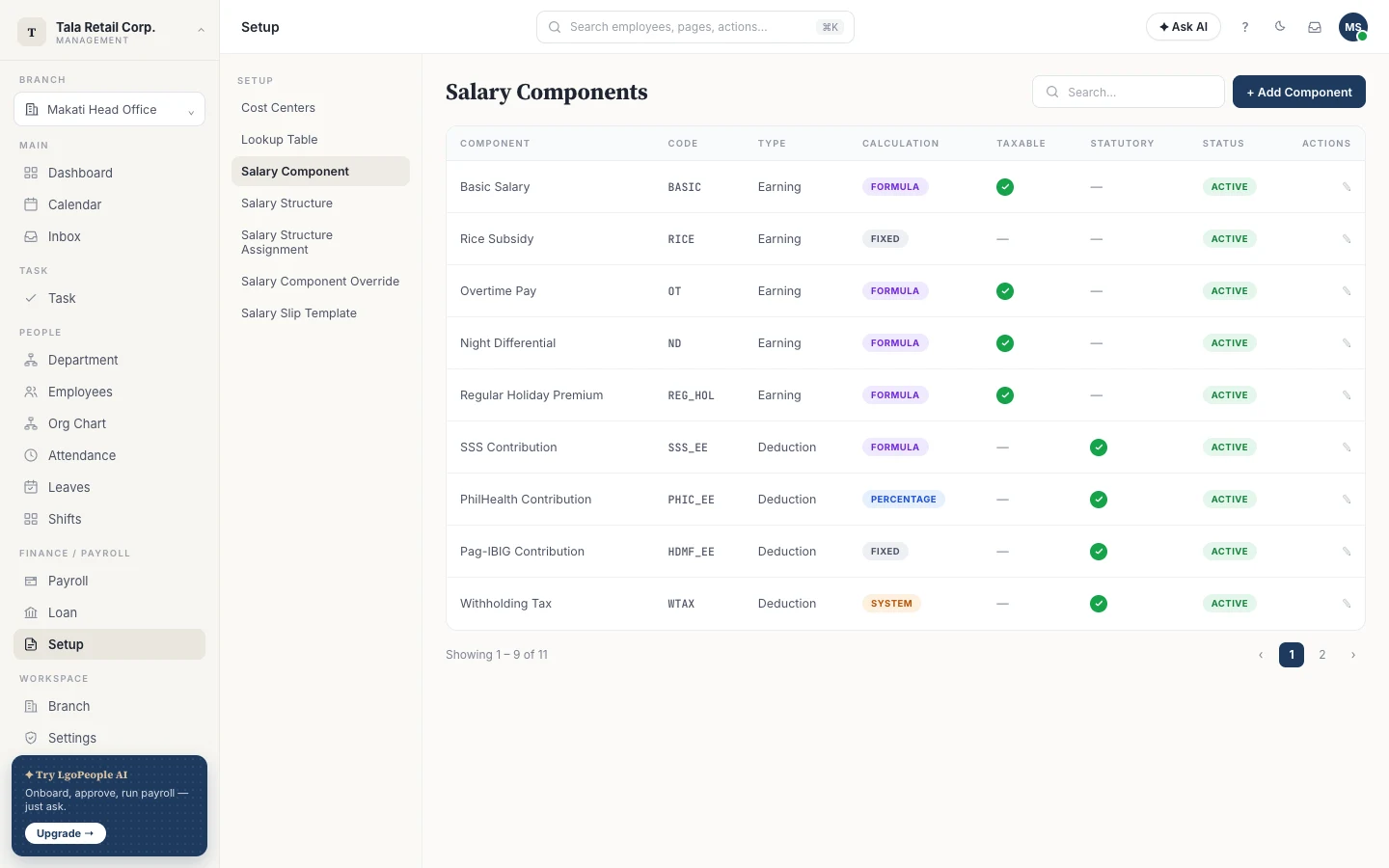
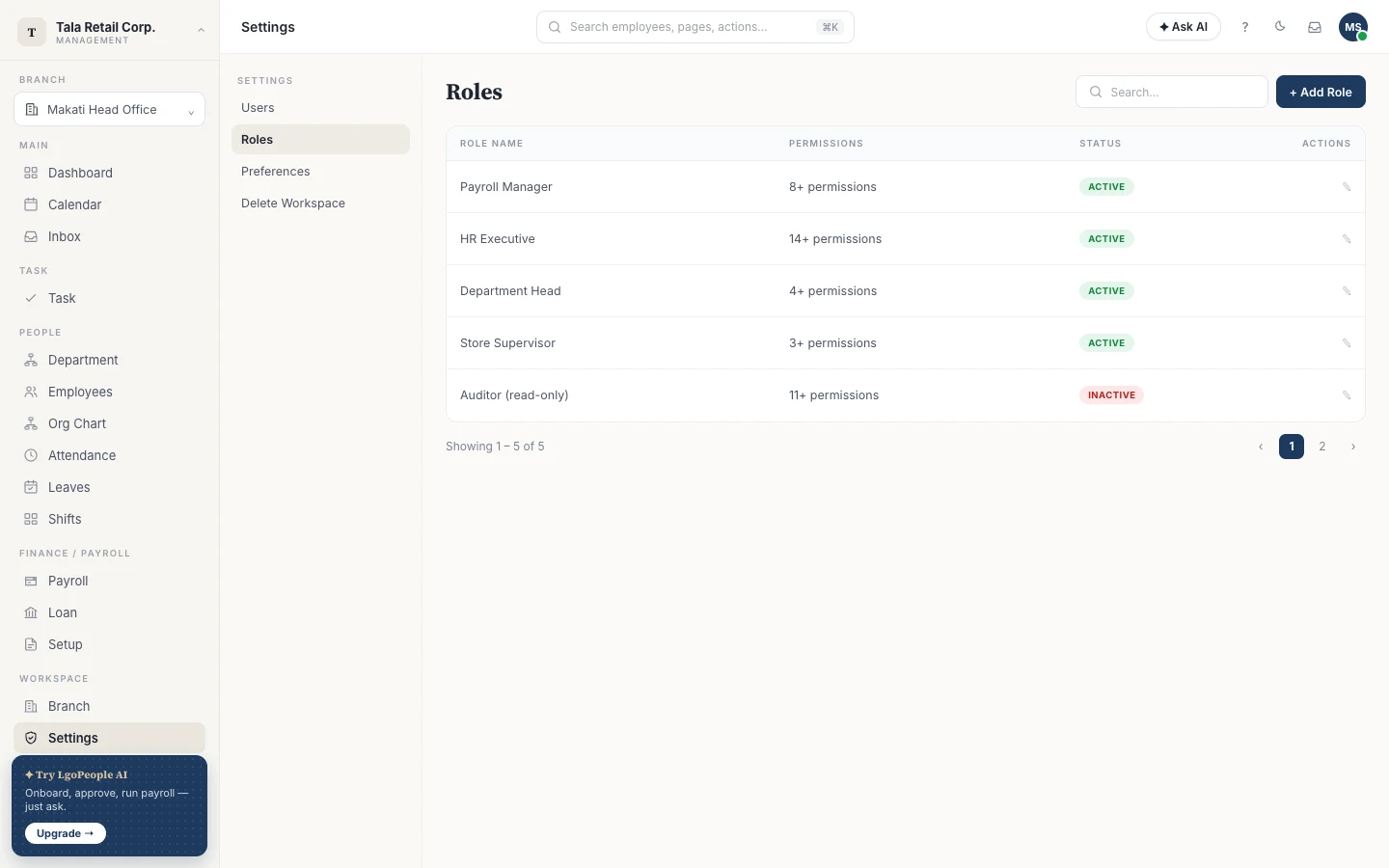
Every new workspace starts with sensible defaults, so you rename and adjust instead of starting from scratch.
- A head-office branch and a default department
- Common designations and employment types
- Four leave policies: regular staff, managers, contract staff and interns
- Default leave types, a leave period and a holiday list
- Starter shift types and a default cost center
- Philippine salary components with the SSS and BIR tables filled in
Two consoles
One for running the company. One for everyone in it.
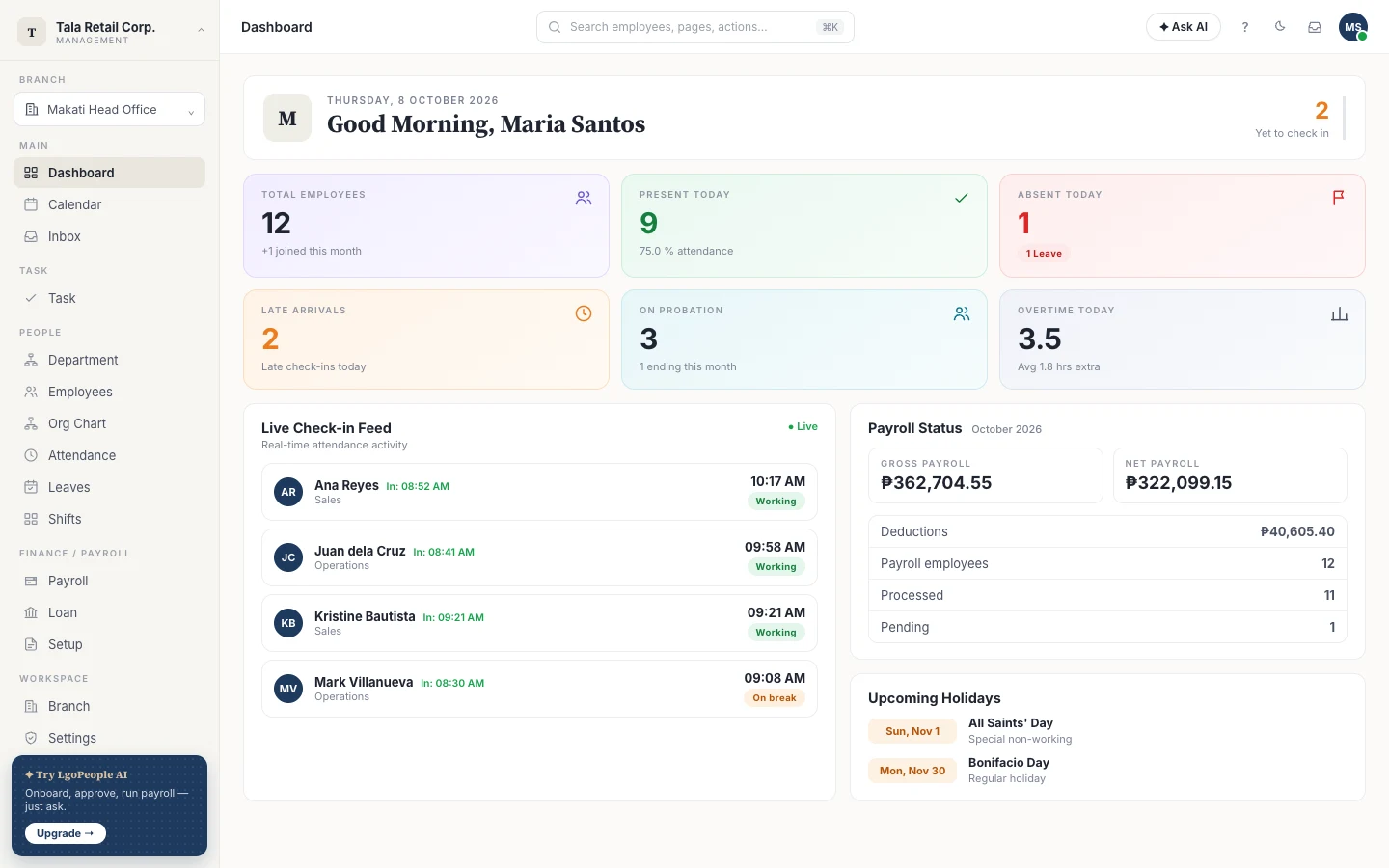
Management console
Admins, HR, payroll and managers
Set up and run the company: people, shifts, leave rules, payroll and approvals. Each user sees only the menus their role allows.
Employee console & app
Every employee
Self-service: clock in and out, profile, payslips, performance and requests, on the web or in the mobile app.
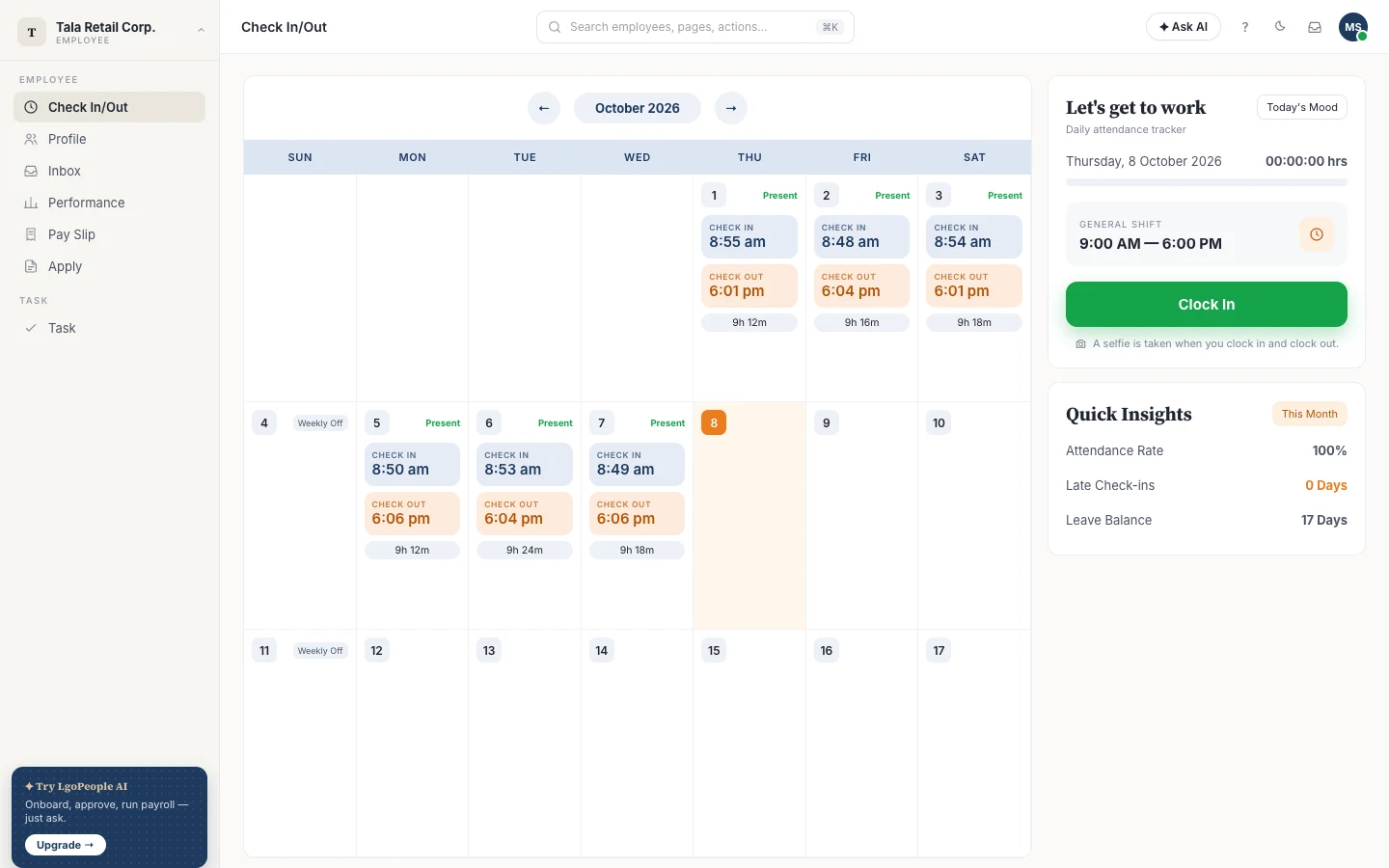
For employees
Four steps, about two minutes.
- Open the invitation email and sign in, or create an LGO People account with the same email.
- Accept the invitation. The workspace appears in your list.
- Install the app, sign in with the same account and clock in from the Home tab.
- Explore payslips, leave and other requests in the employee console.
Moving from spreadsheets?
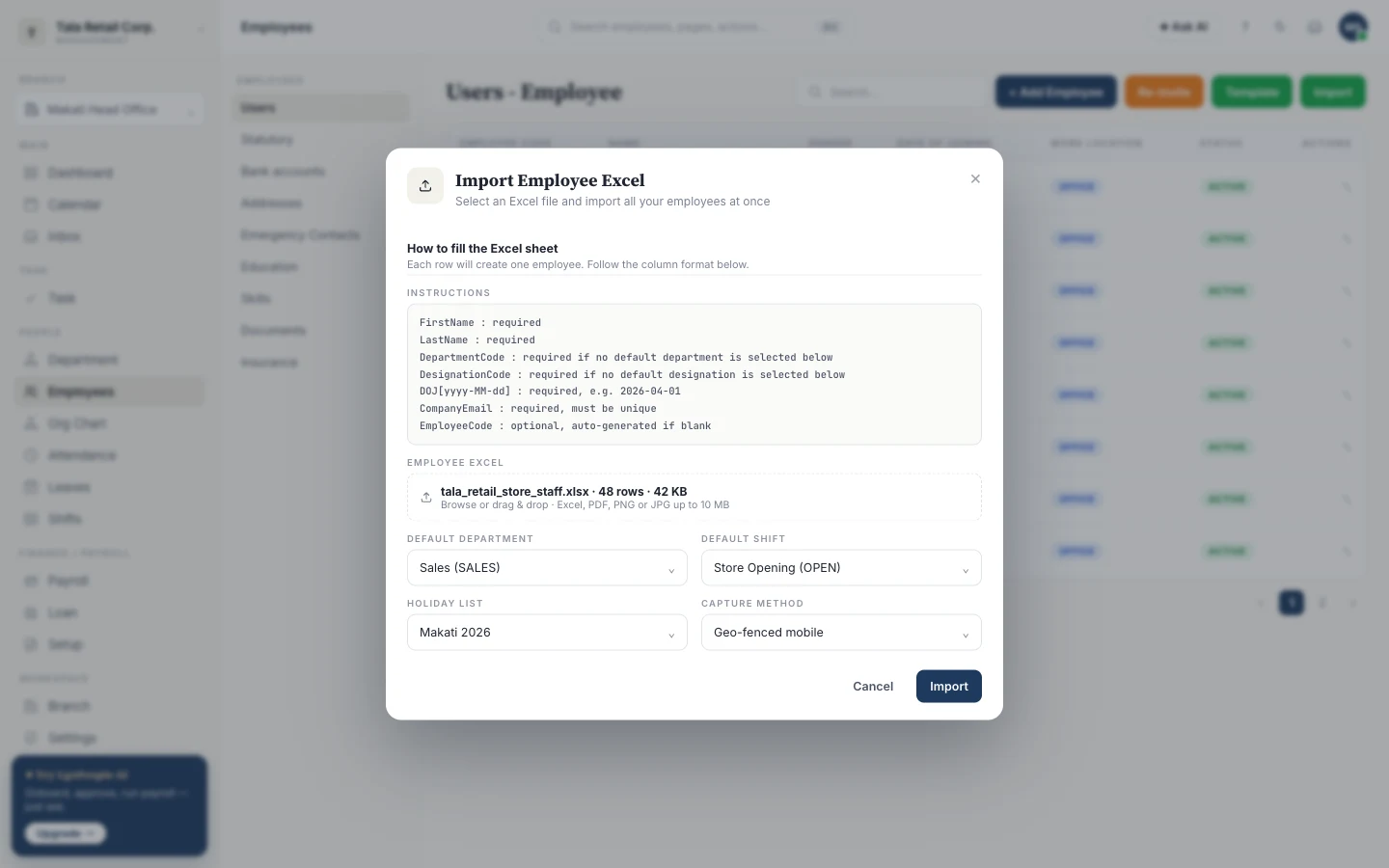
Import in this order.
Later files refer to codes from earlier ones, so this order means every row finds what it needs.
- Designations, employment types & departments
- Employees
- Employee records
- Shift assignments & rosters
- Leave policy assignments
- Salary structure assignments
Tip: try a file with two or three rows first, check the result, then import the rest.
Free plan
Start today. Free for up to 5 users.
Start on the Free plan with up to 5 users. When your team grows, paid plans start at ₱39 per employee per month, with no demo wall or setup fee.
Talk to a human: kim@lgoconnects.com